

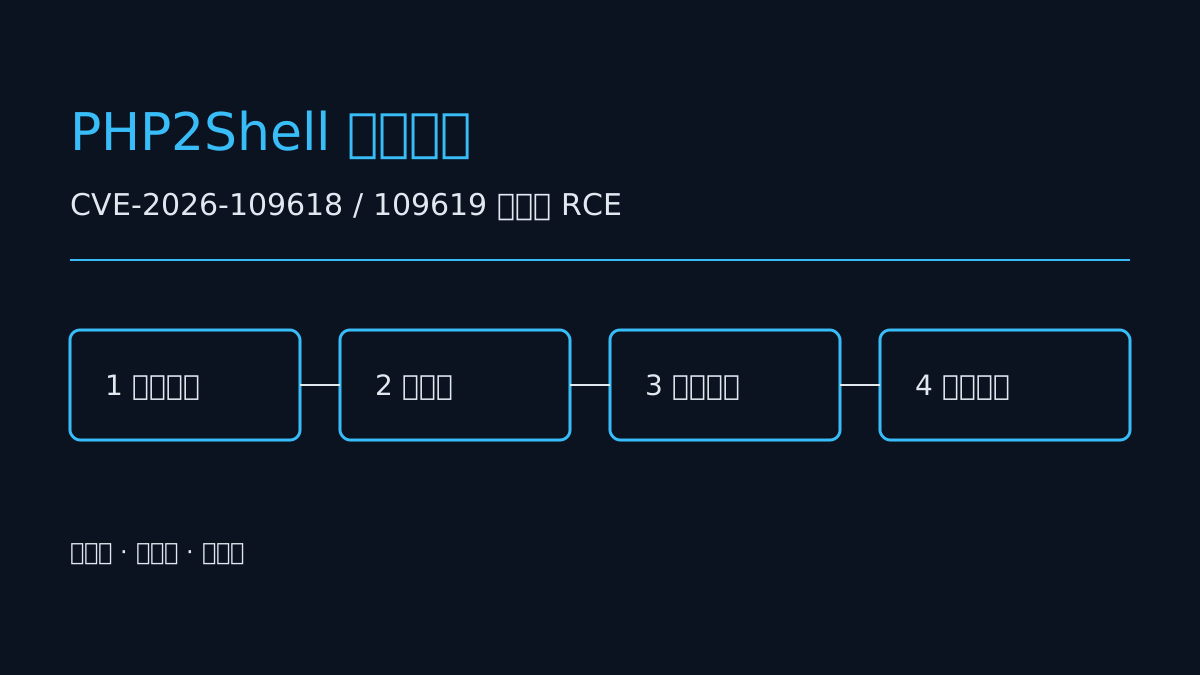
The two PHP2Shell identifiers (CVE‑2026‑109618 and CVE‑2026‑109619) should be treated as an emergency: attackers do not need any account credentials, and as long as they can reach a service exposed to the public internet, they may be able to execute commands directly on your server. The recommended order of response is: first confirm whether you are within the affected scope, then decide whether to patch or apply temporary mitigation first, and finally be sure to verify and review logs. The following breaks this down in an actionable order.
Step 1: Determine within 30 minutes whether you are actually affected
Do not take the entire site offline right away. First do three things to locate the exposure surface.
1. Confirm the version. Log in to the server and run `php -v`, and check the container image tag, `composer.lock`, and the PHP version selected in the control panel. Many corporate websites run old 7.x versions; operations teams think they have upgraded, but in reality another environment is running.
2. Confirm the exposure surface. Scan from an external perspective: which domains/IPs have ports 80, 443, and 8080 directly open to the public internet, and whether test environments, legacy admin panels, or temporarily launched APIs were left open. Being accessible from the internal network does not mean it is safe; lateral movement often starts here.
3. Confirm the trigger path. Against the affected components and entry points given in the official advisory, check whether your routes, upload interfaces, deserialization entry points, and template rendering points are covered. If you cannot determine this, treat it as "affected"; the cost is lower.
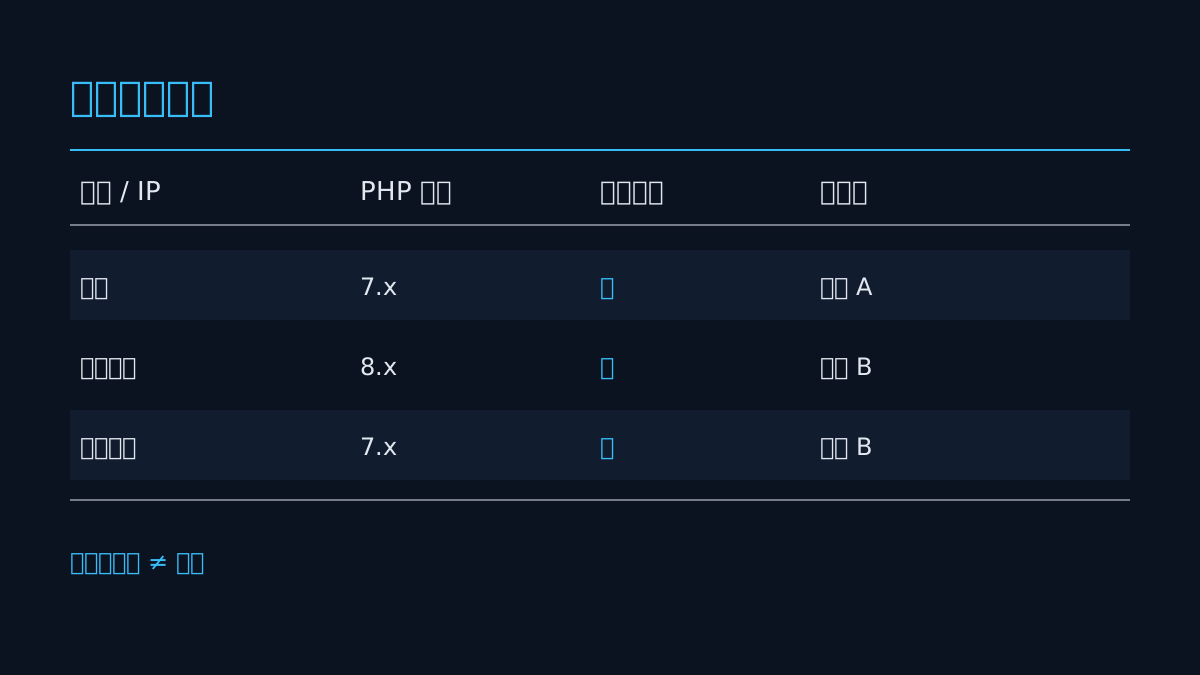
Record the results in a table: domain, PHP version, whether public-facing, whether it contains affected components, and owner. This table will be used later for verification and retrospective review.
Step 2: Patch if you can, and do not use "configuration changes" as a substitute for upgrading
Patching is the only fundamental remedy; temporary mitigation only buys time.
- Validate in staging first. Upgrading production directly is very risky, especially for corporate websites that have been running for years, where extensions and framework versions are intertwined. Run the core flows once in staging: login, order placement/form submission, payment callback, and file upload.
- Upgrade in dependency order. Upgrade the runtime first, then the framework and third-party libraries, and finally handle deprecated calls in business code. After upgrading, run `composer update`, then regenerate the lock file and commit it.
- Keep a rollback path. Take a snapshot or keep the old image tag before upgrading, and write down the rollback command clearly. An upgrade without a rollback plan is essentially gambling.
- Pitfall avoidance: Do not upgrade only one machine and declare completion. There are often several machines behind the load balancer that have not been touched, and attackers target the one that was missed.
If the business was outsourced and you cannot obtain the source code, first contact the original developer for version information and a patching plan; if you cannot get them, hold the line with the temporary measures in the next section.
Step 3: Temporary mitigation when patching is not possible, in priority order
Mitigation measures "reduce the probability of exploitation"; they do not mean "fixed." They must be written into the schedule with a deadline for upgrading.
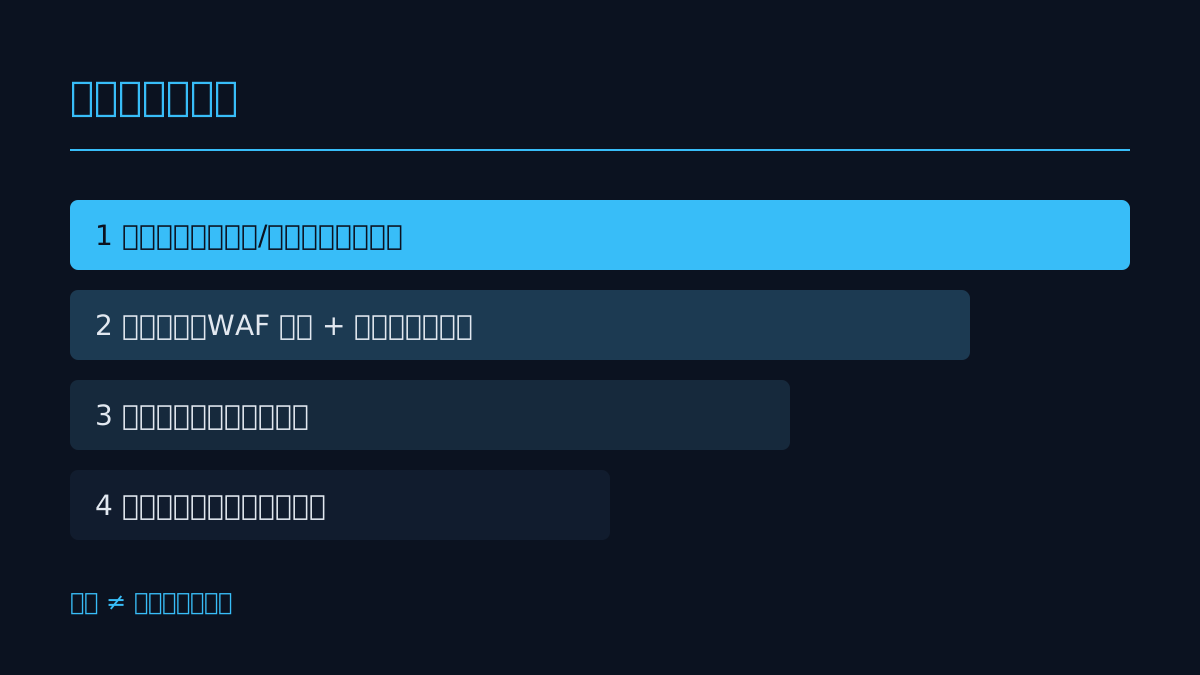
1. Shrink the exposure surface: Remove admin panels, debugging interfaces, and test environments from the public internet, and change them to internal network access or add IP allowlists. This item has the greatest benefit and the lowest cost.
2. Front-end interception: At the WAF or Nginx layer, create rules to block the characteristics given in the advisory, and at the same time restrict execution permissions in upload directories (`php_flag engine off` or the equivalent configuration).
3. Run with reduced privileges: Do not run the web process as root, remove unnecessary write permissions from file directories, and disable dangerous functions that can be turned off in `disable_functions`.
4. Add monitoring: Set alerts for abnormal child processes, outbound connections, and newly appearing executable files in upload directories.
Pitfall avoidance: Adding only WAF rules without changing code is like entrusting your fate to a ruleset. Attackers may bypass it by changing an encoding method, so during the mitigation period you should review the blocking logs once a day.
Step 4: Verification after the fix is mandatory, otherwise it is as good as not fixed
Many teams finish patching and stop there, only to find that old processes are still running.
- Restart PHP-FPM and the web service, and confirm that `php -v` shows the new version on all nodes.
- Use an external scanning tool to retest the original trigger path and confirm that the returned state is no longer exploitable.
- Review logs: during the time window between vulnerability disclosure and remediation, check whether there were abnormal POST requests, suspicious uploads, or abnormal outbound connections. If so, handle it as an intrusion incident, not just a patch.
- Check scheduled tasks, SSH public keys, and newly added accounts to confirm that no backdoors were left behind.
Here is a specific scenario (example): During a website redesign, a company temporarily opened a file upload interface for designers and forgot to close it, and it happened to be on an affected version. Such "temporary interfaces" are a disaster area; when wrapping up a redesign, there should be a "temporary entry point cleanup checklist."
When it makes sense to contact MIC Studio
If you are in one of the following situations, handling it all yourself may not be cost-effective:
- The source code is with an outsourcing vendor, version information is unclear, and a patching plan cannot be scheduled;
- There are many sites and mixed environments, and you cannot tell which are public-facing and which are within the affected scope;
- After patching, you want another round of security testing and reverse testing to confirm that no residual entry points or backdoors remain;
- You also want to refactor the old system and unify the technology stack for website development, mini program development, or App development onto maintainable versions.
MIC Studio provides corporate website, mini program, App, and script development, as well as website security testing and reverse testing, and can work in the order of "stop the bleeding first, then verify, then refactor." Not every problem needs to be outsourced; if you can patch it yourself, finishing the patch first is more important.
Conclusion: Three things you can do today
1. Produce a list today: List all publicly accessible PHP environments, mark versions and owners, and do not rely on memory.
2. Complete the upgrade or mitigation within 48 hours: Upgrade if you can; if you cannot, remove the exposure surface and add interception, and specify a deadline.
3. Keep evidence: Back up logs once before and after the upgrade, and after remediation review abnormal requests within the time window to confirm that no intrusion occurred.
Frequently Asked Questions
If it is only used on the internal network, does it still need to be fixed?
Yes. The internal network is not an isolation zone; employee endpoints, test machines, and third-party access can all become stepping stones. Prioritize fixing public-facing exposures, and handle internal ones together in the same maintenance window.
If WAF rules are in place, can the upgrade be postponed?
It can only serve as a transition. Rules rely on signature matching, bypass costs are low, and rule maintenance itself requires human attention. Treat WAF as a tourniquet and upgrading as surgery; the two cannot replace each other.